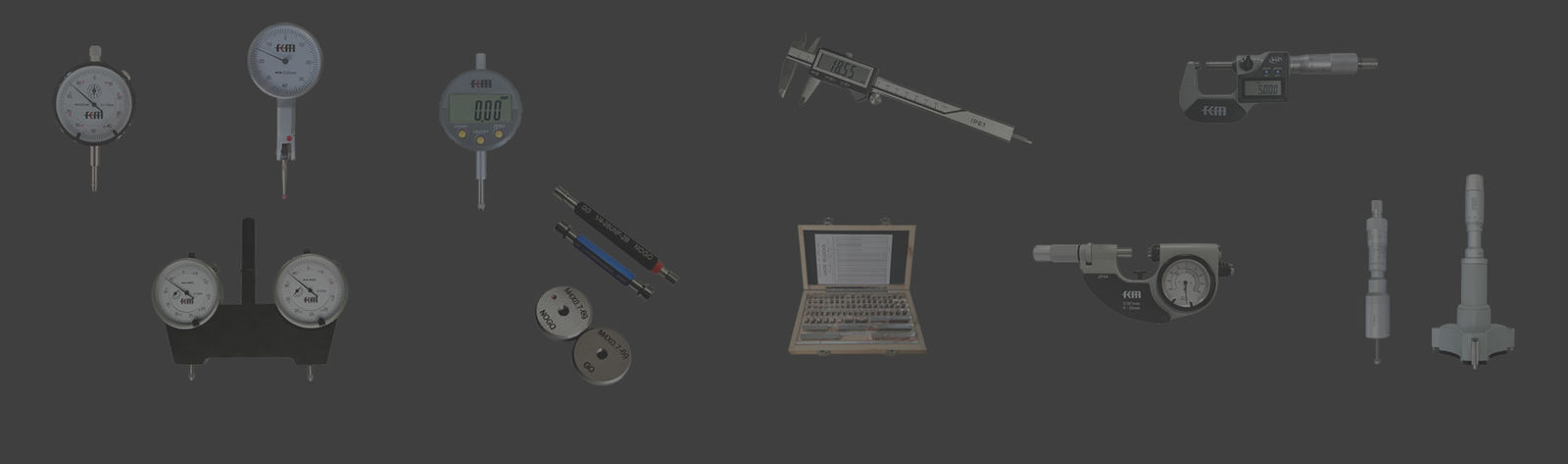
Dial indicators are commonly used precision instruments in industrial measurement, but they may occasionally get
stuck, affecting measurement work. This article will from a professional perspective, detail the reasons for dial indicators
getting stuck and the corresponding repair methods, helping everyone quickly restore the normal function of the dial
indicator. It will also offer some daily maintenance and care suggestions to extend its service life.

I. Understanding the causes of the dial indicator getting stuck
1. Before repairing the dial indicator, we need to understand why it gets stuck. Common causes of sticking include:
dust and dirt entering the indicator; insufficient or aged lubricating oil; wear or deformation of parts; impact or vibration;
improper operation, etc.
2. There are many reasons for the jamming of the dial indicator. We need to carefully observe and analyze to
identify the true cause and carry out targeted repairs. For instance, if it is due to dust entering the device, cleaning is
required; if it is because of insufficient lubricating oil, adding lubricating oil is necessary; if it is due to damaged parts,
replacing the parts is needed.
3. Different types of dial indicators have slightly different internal structures and working principles, so the causes
of jamming may also vary. For instance, digital dial indicators and mechanical dial indicators have significant
structural differences, and their maintenance methods may also be different.
II. Common Maintenance Methods for Stuck Dial Indicators
1. Cleaning the dial indicator: Use a clean soft cloth or professional cleaning tools to remove dust and dirt
from the surface of the micrometer. For internal cleaning, use professional cleaning agents and air blowers to clean,
be careful not to damage the internal parts.
2. Add lubricating oil: If the lubricating oil is insufficient or has deteriorated, it is necessary to add or replace it
with new oil. Choosing the right lubricating oil is crucial. Generally, it is recommended to use professional watch oil,
which has a lower viscosity and can effectively reduce friction.
3. Inspection and Replacement of Components: If any parts are found to be worn or deformed, they must be
replaced promptly. For instance, components such as measuring rods and gears are prone to wear and thus
require regular inspection and replacement.
III. Daily Maintenance of the Micrometer
1. Regular Cleaning: Regularly cleaning the micrometer can effectively prevent dust and dirt from entering the device,
reducing the likelihood of jamming. It is recommended to clean it once a week, or adjust the frequency based on
the usage frequency.
2. Correct Usage: When using the micrometer, handle it gently to avoid collisions and vibrations.
During measurement, apply appropriate force and do not exert excessive pressure to prevent damage to the
measuring rod or other components.
3. Storage environment: Store the dial indicator in a dry, ventilated, and dust-free area to effectively extend its service life.
Avoid storing it in a humid or hot environment.
IV. Special Maintenance Techniques for Different Types of Dial Indicators
1. Mechanical dial indicator: For mechanical micrometers, the outer casing can be disassembled.
Carefully inspect the internal components, such as gears and springs, and perform cleaning and lubrication.
2. Digital indicator: The internal structure of the digital micrometer is quite complex. In case of any malfunction,
it is recommended to contact professional maintenance personnel for repair to prevent further damage caused
by improper disassembly.
3. Dial-mounted indicator: If there is any problem with the dial, such as looseness or deformation,
it should be repaired or replaced promptly to ensure the stability of the measurement.